
Create a Wallet
Understand what a new wallet creates and where account control comes from.
Open guide →A multi-chain wallet, blockchain network and Web3 knowledge hub from imtoken
Manage assets across multiple networks, review addresses and fees before transfers, connect to DApps with deliberate signing and approval checks, and learn the network concepts behind everyday wallet activity.
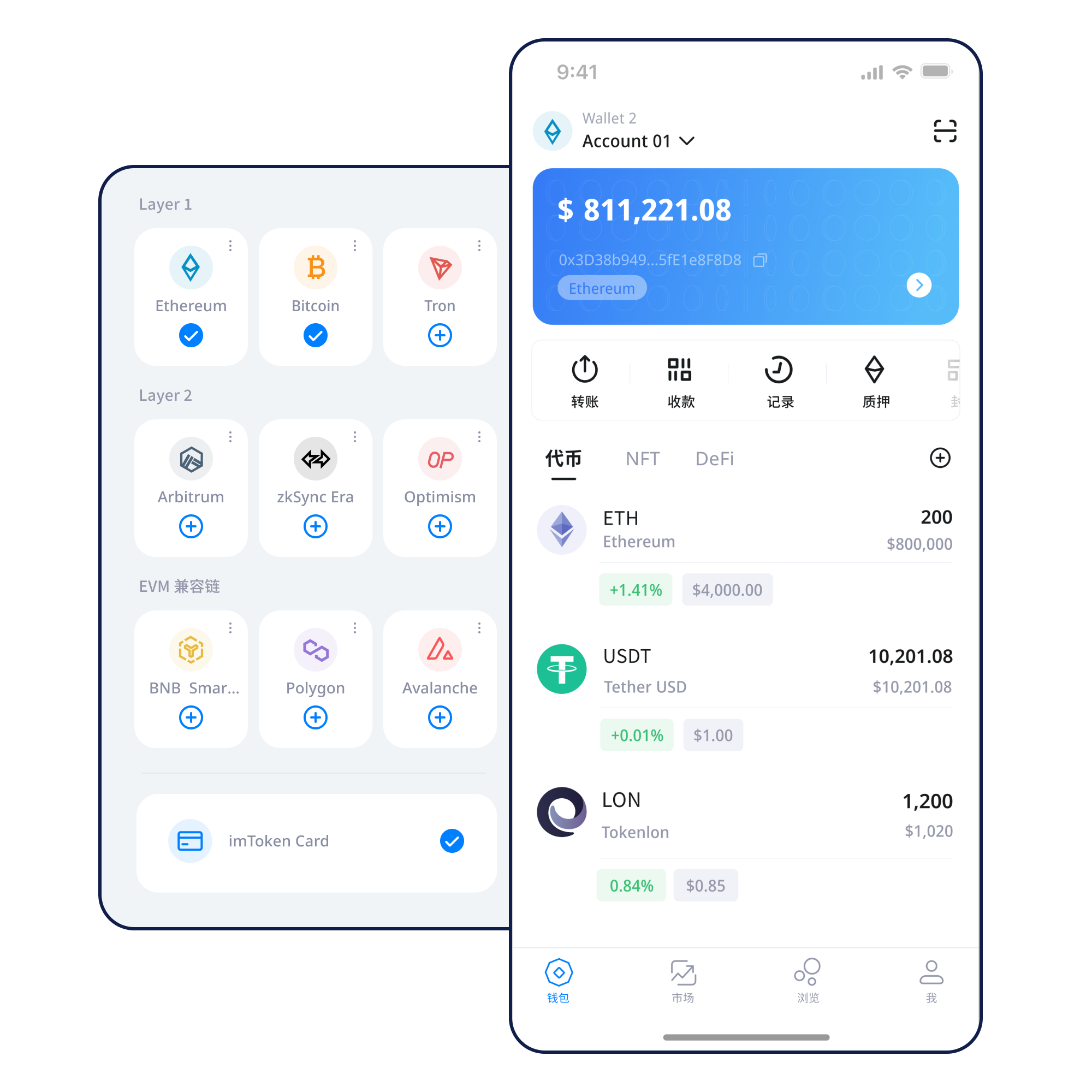
Understand what a new wallet creates and where account control comes from.
Open guide →Build an offline recovery routine before moving meaningful value.
Open guide →Confirm network and address details before sharing a receiving address.
Open guide →Review the destination, network, amount, gas, and final request.
Open guide →Verify the domain, connection scope, signatures, and approvals.
Open guide →Move from asset visibility to transfer review without treating every action as the same kind of task.
Review balances by network, contract, and account so similar asset names do not hide network differences.
Mobile access for network management, asset viewing, transaction records, and deliberate DApp use.
Check address, network, amount, gas, and transaction hash as separate evidence.
Review browser connections, account requests, approval prompts, and unused sessions.
Keep recovery secrets offline and treat third-party contracts as independent risk surfaces.
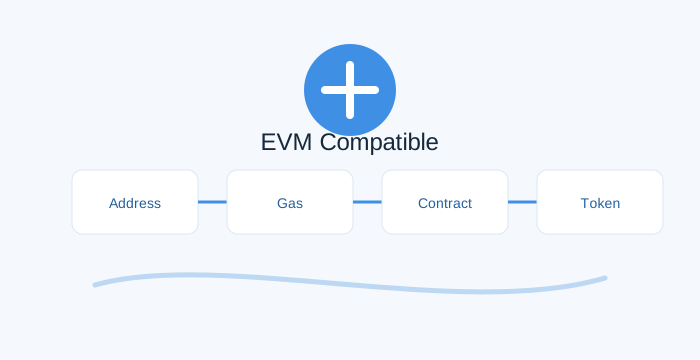
Learn what changes when you move between a public chain, an EVM network, and a Layer 2 environment.
Use the official download entry and keep the app source verifiable.
Only enter recovery information inside a trusted wallet interface.
Keep the seed phrase offline and never send a private key to another person.
Check the network name, asset, and destination before moving value.
Verify the address, amount, network fee, and any memo/tag fields.
Keep transaction hashes and remove permissions you no longer need.
A successful connection only starts the session. The domain, account request, signature, and approval should still be reviewed one by one.
Recovery secrets stay under your control. Public devices, suspicious domains, malicious signatures, and broad approvals each require a different check.
Addresses, seed phrases, private keys, networks, gas, transaction hashes, DApps, and token approvals are connected concepts that change what should be checked before an action.
Read the starter guide →Ethereum PoS uses validators, protocol-defined rewards, withdrawal and exit processes, and network-specific timing. Rewards are not guaranteed.
Read fundamentals →Validator penalties, smart-contract risk, exit queues, asset-price volatility, and third-party service risk all affect the decision.
Understand validators →No. Your recovery secrets remain under your control and imtoken staff will not ask you to send them.
Similar address formats can appear across compatible networks while balances remain separate.
It lets you verify a specific on-chain transaction in the appropriate explorer.
No. Connection and token approval are separate requests.
No. Rewards vary, exits may wait, validators can be penalized, and asset prices can move.
Check the address, network, asset, amount, gas, and any memo/tag field.
Download-device behavior is isolated to the download page.